Vertical or horizontal? Which promo video formats an app needs in 2026
9:16 for the stores and the feeds, 16:9 for the website and YouTube, and 1:1 or 4:5 for the places where a tall video gets cropped. Here is the format each placement expects, with the numbers, and how to shoot once for all of them.
In this article
Start from where the video will play
There is no best aspect ratio, only the ratio each placement was built for. The table below is what each one expects today, from the platforms' own specification pages: Apple's App Preview Specifications, Google's store listing guidance, Meta's Reels ad specs, TikTok's video ad specifications and LinkedIn's video ad specs.
| Placement | Ratio | Size | Length | Notes |
|---|---|---|---|---|
| App Store preview | 9:16 or 16:9 by device slot | 886 by 1920 or 1920 by 886 (current iPhones); 1200 by 1600 iPad | 15 to 30 s | Exact sizes, H.264 up to 30 fps, screen captures only |
| Google Play promo | Portrait or landscape | 1080p on YouTube | First 30 s autoplays | Feature graphic 1024 by 500 required |
| Instagram Reels ads | 9:16 | 1440 by 2560 recommended | Up to 15 minutes | Keep the top 14 percent, bottom 35 percent and sides 6 percent clear |
| TikTok in-feed ads | 9:16 recommended; 16:9 and 1:1 accepted | At least 540 by 960 vertical | Up to 10 minutes | 500 MB maximum, safe zone templates provided |
| LinkedIn video ads | 16:9, 1:1, 4:5, 9:16 | Up to 1920 by 1080, 1080 by 1350 for 4:5, 1080 by 1920 for 9:16 | 3 s to 30 min | 75 KB to 500 MB |
| YouTube (Play promo, channel) | 16:9 | 1920 by 1080 | Any | Shorts are 9:16 |
| Website hero | 16:9 stage | 1920 by 1080 or smaller | 10 to 20 s loop | Portrait app inside a phone frame |
| Product Hunt gallery | Landscape | 16:9 | Short | Plays muted in the feed |
Two observations from making these every week. First, the store formats are decided by the app, not by taste: a portrait phone app gets a portrait preview, and Apple will not accept a landscape file in a portrait slot. Second, the social formats are decided by the placement's interface: a Reel is full screen, so anything not 9:16 shows with bars, while a LinkedIn post shares the screen with text and buttons, so a tall video gets cut or letterboxed.
When 1:1 and 4:5 matter
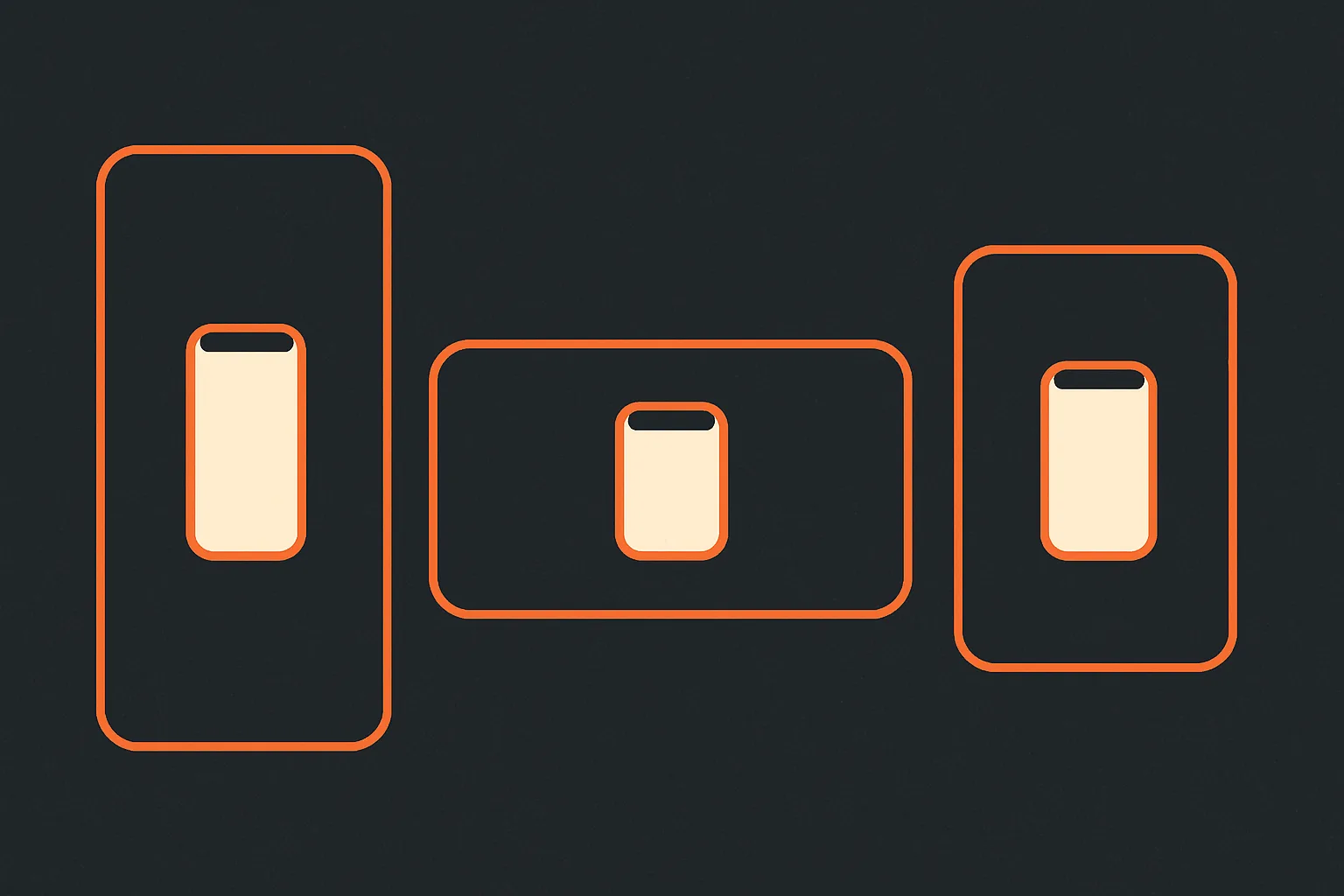
Square and 4:5 exist because feeds are neither full screen nor cinema. In a LinkedIn or Facebook feed on a phone, a 16:9 video is a short strip; a 9:16 video is either cropped to 4:5 or shown with wasted space; a 4:5 video takes most of the screen and shows whole. That is the entire argument, and it is why LinkedIn lists 4:5 as a first-class format with its own maximum size.
Square is the compromise that works everywhere a 4:5 might get trimmed, and it is the easiest reframe of a portrait phone recording: the phone sits in the middle with room for a line of text above or below.
We do not make 1:1 or 4:5 versions of a store preview; nobody sees those there. We make them for feed posts and for ads that run in feed placements, where the extra screen area is real.
Record once, reframe for everything
The expensive part of a promo video is the footage and the edit, not the export. The way to keep the format count from multiplying the cost is to shoot for the tallest format and reframe down.
Record the app in portrait at native size. That is the App Store preview's raw material and the tallest crop you will need. How to record it cleanly is a guide of its own.
Keep the important interface out of the outer edges. The vertical social formats cover the top and bottom with their own controls, and every landscape reframe crops the sides or shrinks the phone. If the "Save" button lives in the bottom five percent of the screen, it will be under a caption in a Reel and tiny in a landscape cut. Rehearse the flow so the action happens in the middle band of the screen.
Design the text cards as separate layers, sized for the tightest format. A card that fits inside the Reels safe area fits inside every other format.
Then reframe:
- 9:16 for stores, Reels and TikTok: the recording nearly as is, with the card layer positioned in the safe band.
- 4:5 and 1:1 for feeds: the phone screen scaled down on a coloured background, with the card above or below it.
- 16:9 for the website, YouTube and Product Hunt: the phone screen centred on a landscape stage, or two screens side by side for a flow, with room for a card on the left or right.
A landscape web app is the mirror image: record in landscape, use it as is for 16:9, and put the browser window inside a taller stage for the vertical formats, cropping to the part of the screen where the action is.
Formats we skip, and why
Landscape for a portrait app on the App Store: Apple allows it per device slot, but a portrait app shown sideways confuses users, and you can only upload one orientation per slot.
Square for TikTok and Reels: accepted by TikTok, but it plays small inside a full-screen vertical feed and the algorithm gives it no favours.
Anything for X beyond 16:9 and 1:1: X's video handling changes often, and those two ratios have always played safely there.
Portrait on a website hero: works only inside a phone frame on a landscape stage, which is fine; a bare 9:16 video in a hero pushes the headline below the fold on desktop.
Sizes and codecs, briefly
Export H.264 for everything, 30 frames per second for the App Store and 30 or 60 for social. The stores want the exact pixel sizes above; social platforms scale, so 1080 by 1920 vertical, 1080 by 1350 for 4:5, 1080 by 1080 square and 1920 by 1080 landscape cover every placement. Keep the website loop small, a few megabytes, and give it no audio track. Store previews need a stereo track even when silent. The launch day order of exports is in the six cuts checklist.
Questions people ask
Should an app promo video be vertical or horizontal?
Do I need a 1:1 or 4:5 version?
What size is an App Store preview video?
Can one video work for both Reels and the App Store?
Does a 9:16 video work on a landscape website?
Topics: video formats aspect ratio 9:16 16:9 social video
Written by
App Motion Team
The people who script, animate and deliver appmotion videos every day. What you read here is what we tell our own customers.
Plan a video for your launch.
Order a promo video online and get your first version within 24 hours.
Start your order