Landing page hero video: muted loop or click to play?
A muted loop shows the product moving before the visitor reads a word. A click-to-play video explains it properly to the people who want more. They are different tools, and the hero usually needs the first one and a link to the second.
In this article
Two jobs, two videos
The confusion starts with the word "video". A hero loop and an explainer are different objects with different jobs.
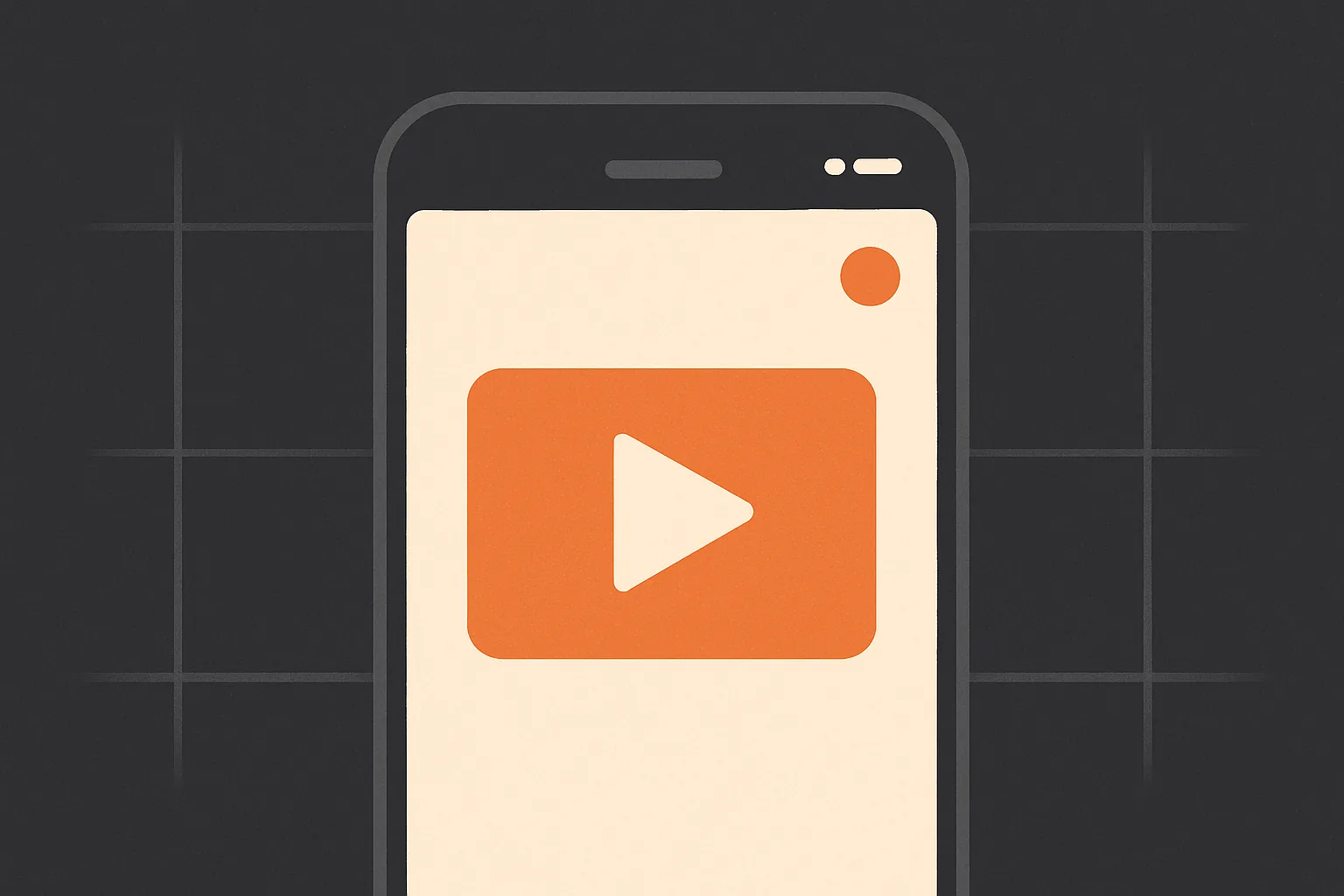
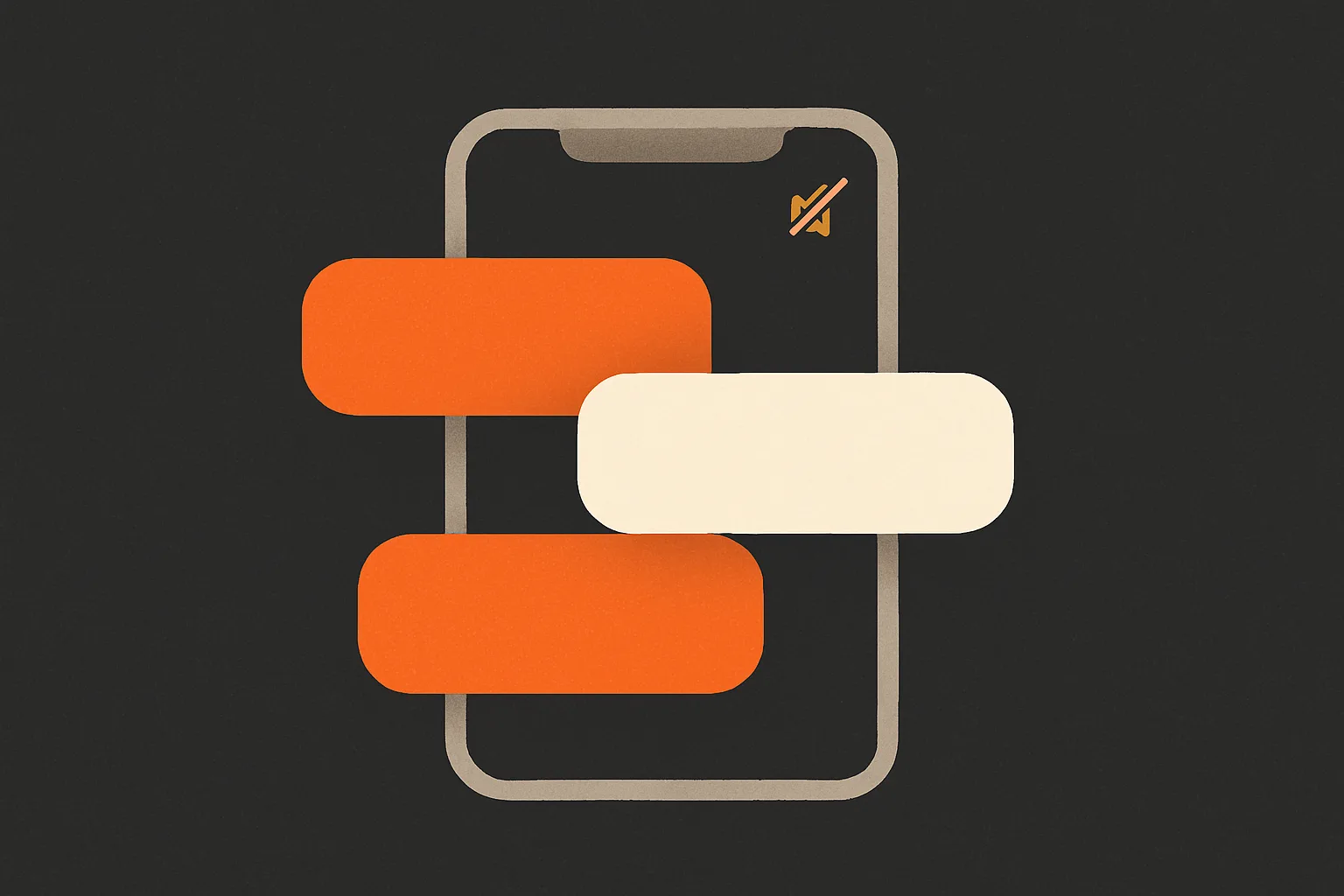
The hero loop's job is to prove the product is real and moving, in the two seconds before the visitor reads the headline. It is silent, short, and repeats. It does not explain; the headline explains. Think of it as a live screenshot.
The explainer's job is to walk one interested person through what the product does, with a voice, at their request. It can be a minute long because they asked for it.
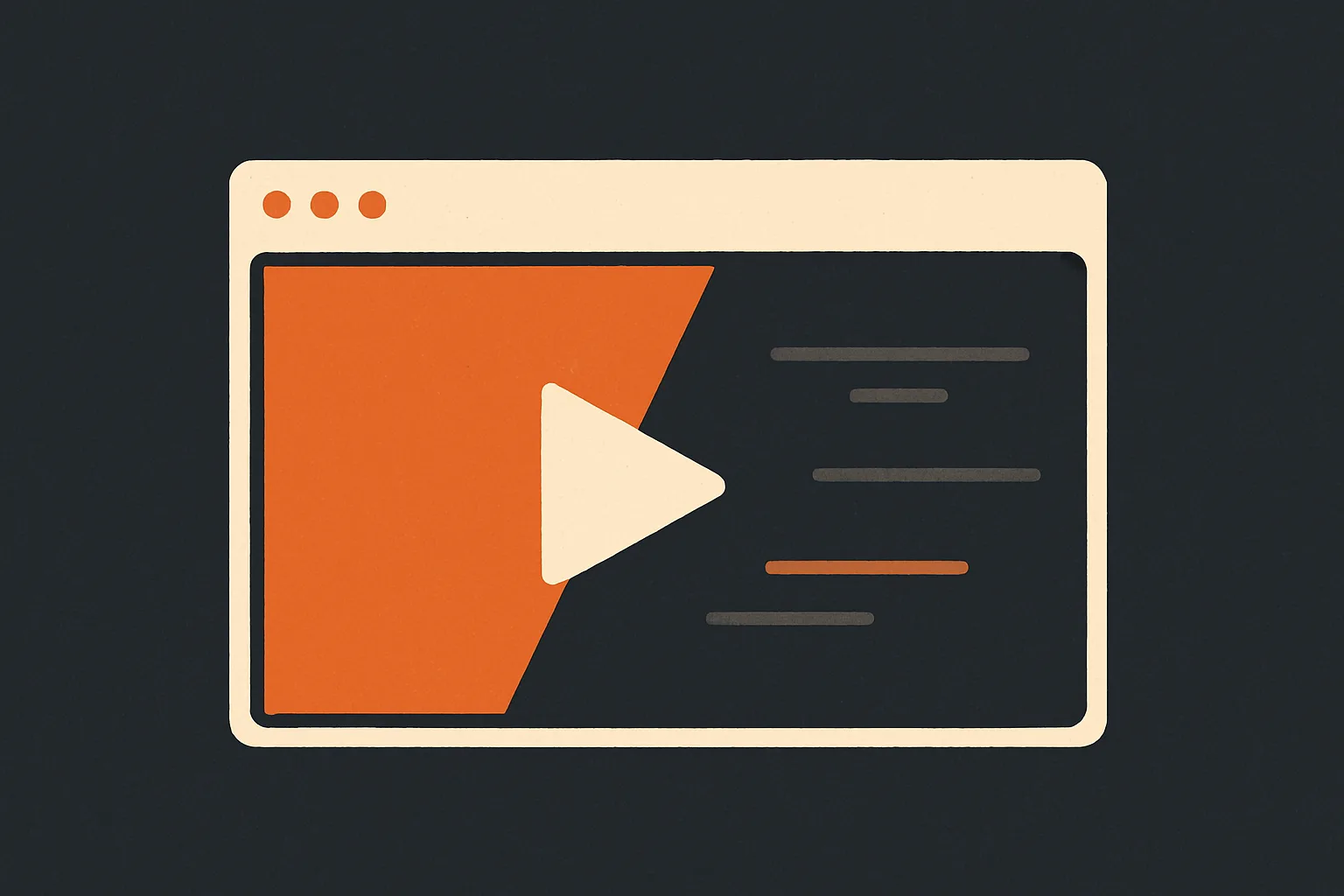
A landing page can use both: the loop in the hero, a "Watch the two minute demo" link next to the button, and the explainer in a lightbox or a section further down. What it should not do is put the explainer in the hero on autoplay, muted, hoping people read its captions while also reading the headline.
When the hero should autoplay a loop
Use a muted loop when:
- The product is visual. An app with animated screens, a design tool, a video product, a game. If the best thing about the product is how it moves, show it moving.
- The loop can be 10 to 20 seconds and make sense without text. One flow, or two or three of the app's best screens in motion.
- The page's headline and subhead do the explaining, so the loop never has to carry words.
Skip the loop, and use a still image, when the product is a form, a spreadsheet, a dashboard of numbers, or anything where motion adds no information. A loop of a static screen with a cursor drifting around is worse than the screenshot.
Technical requirements for the loop, in the order we check them:
- Muted, with
playsinlineso phones do not open a fullscreen player, andloop. - A poster image that is the loop's first frame, so the page looks complete before the file arrives. Keep it small: a WebP at the displayed size, which on our site is 720 pixels wide and about 50 KB.
preload="none"and the video source attached only after the page's load event. The loop is decoration and must not compete with the text and fonts for bandwidth.- A file measured in single-digit megabytes. A 1080p loop of 15 seconds at 4 to 6 Mbps lands around 8 to 11 MB; a 25 MB export is a mistake that will show up in every speed test.
- No audio track at all. It saves bytes and removes the question.
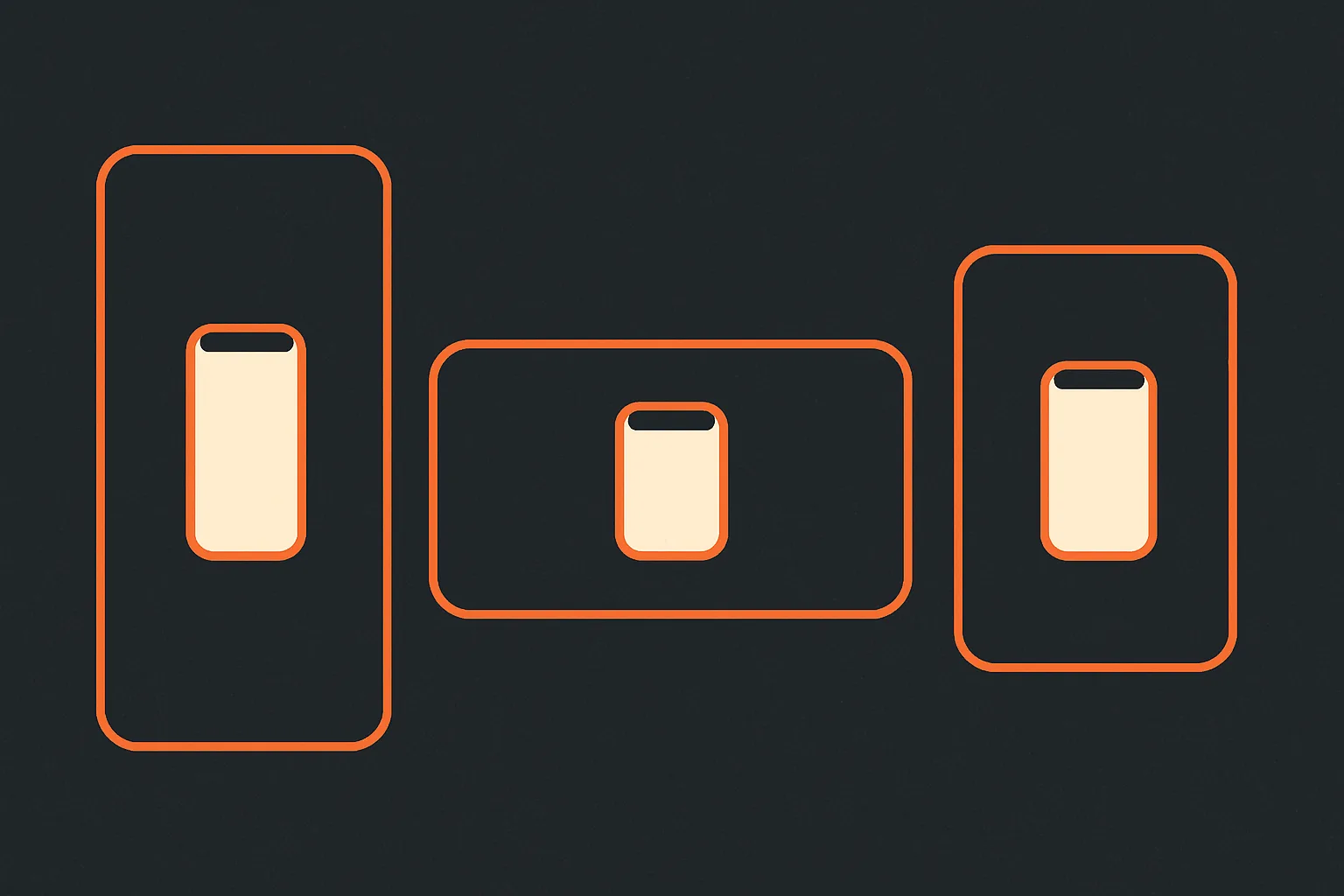
A portrait app loop sits inside a phone frame on the landscape hero stage; the formats guide covers that reframe.
What it did to our own page
We ran into this ourselves. When we put a real showreel into our hero, the first version was an 18 MB file that started downloading with the page. Mobile performance in Lighthouse dropped to 86, the largest contentful paint went to 3.9 seconds, and the page weighed almost 20 MB. The video looked great and the page felt slow.
Three changes fixed it without removing the video. The file only starts loading after the page's load event and about a second later. A small poster shows immediately. And the poster itself was reduced to a 720 pixel WebP of around 50 KB, because a large poster was becoming the biggest element the browser had to paint. The mobile score went back to 92 and the largest paint moved to the headline, where it should be.
One thing we learned the hard way: if the hero headline animates in from invisible with a delay, browsers may ignore it as the largest paint candidate and pick something else, such as a small logo, which makes the metric look wrong for no visible reason. Animate with movement, not with opacity from zero.
When click to play is right
Use a click-to-play video when the content needs a voice or needs more than 20 seconds. Onboarding walk-throughs, founder explainers, demos that show a full workflow. A visitor who clicks has agreed to spend the time, and the rules relax: a voiceover, 60 to 90 seconds, chapters even.
Requirements are lighter than for the loop, because nothing loads until the click:
- A strong poster frame with a visible play control. The poster is the whole pitch for the click; make it the product's best screen, not a black rectangle.
- Captions, because some viewers still watch muted.
- Load the player or file on click, never on page load. A lazy embed or a native
<video>withpreload="metadata"at most. - Put it where people look for it: a "Watch the demo" button near the main call to action, or a section under the hero with a one line introduction.
Never autoplay with sound
Browsers will not let a page start audio without a user gesture, so a hero video with sound either plays muted anyway or does not play at all. On the pages where it somehow works, the first thing the visitor does is hunt for the mute button, and the second is leave. There is no version of this that helps.
Reduced motion and accessibility
Some visitors have asked their operating system for less motion. Respect it: when prefers-reduced-motion is set, show the poster and do not start the loop. Give any video a way to pause. Make sure the loop never carries information that is not also in the page text, so a visitor who never sees it moving is missing nothing.
A decision list
Choose the loop if the product moves, the loop fits in 20 seconds, and the headline explains. Choose click to play if it needs a voice or a minute. Use both if the page is your main sales page and you have the material. Use a still if motion adds nothing. If the same footage also has to become store previews and social cuts, the launch day checklist gives the order to export them in.
Then export the loop small, load it late, and check the page on a phone with the network throttled. If the headline appears before the video, the page is right.
Questions people ask
Does a hero video slow down a landing page?
How long should a hero loop be?
What size should the video file be?
Should the hero video have text in it?
Can I autoplay a video with sound on my website?
Topics: landing page video hero video website promo page speed
Written by
App Motion Team
The people who script, animate and deliver appmotion videos every day. What you read here is what we tell our own customers.
Plan a video for your launch.
Order a promo video online and get your first version within 24 hours.
Start your order